Label production
Print-ready labels.
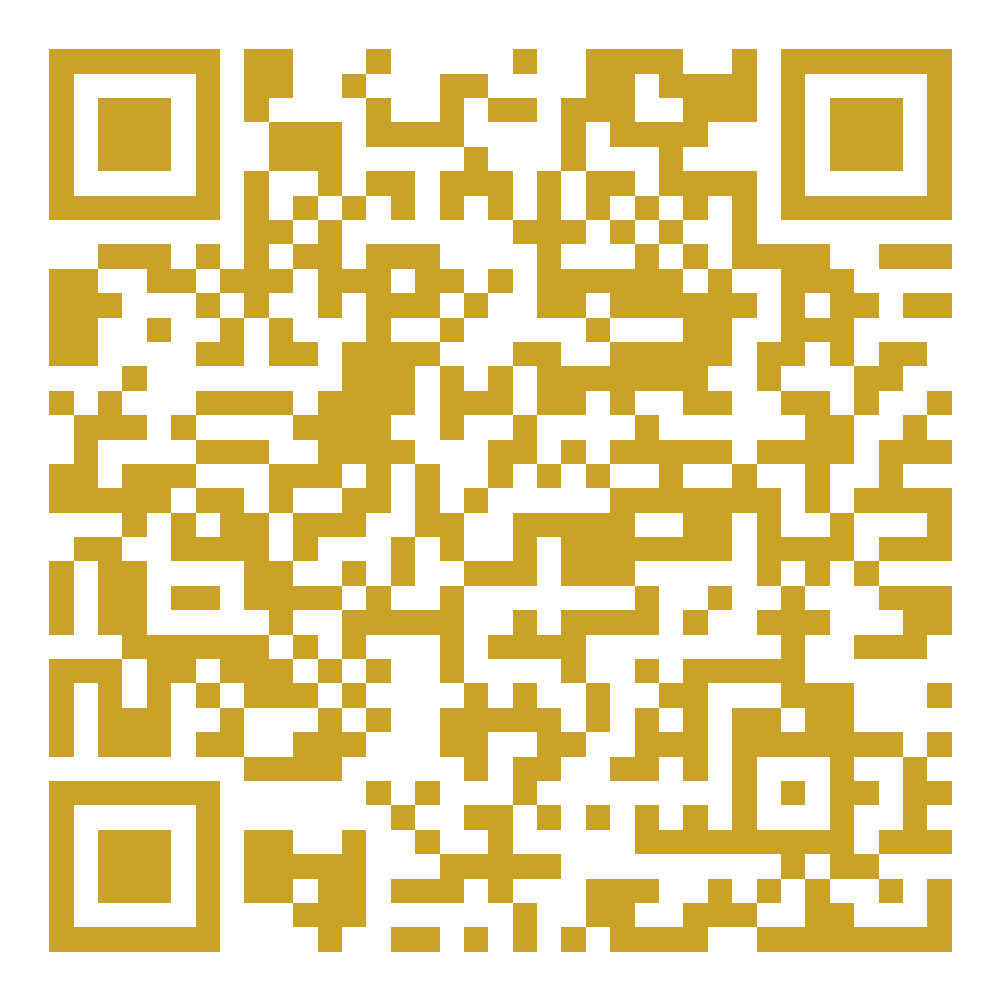
Compose an A4 sheet of scan tags for one formulation, then print directly from the browser. Codes are set with a full quiet zone, the printed product identifier and a scan prompt in the language of the market.
A4 · 12 mm marginQuiet zone includedhttps://www.siriamlab.com/qr/oaa-duo
SIR-OAA-01
Scan for product information
SIR-OAA-01
Scan for product information
SIR-OAA-01
Scan for product information
SIR-OAA-01
Scan for product information
SIR-OAA-01
Scan for product information
SIR-OAA-01
Scan for product information
SIR-OAA-01
Scan for product information
SIR-OAA-01
Scan for product information
SIR-OAA-01
Scan for product information
SIR-OAA-01
Scan for product information
SIR-OAA-01
Scan for product information
SIR-OAA-01
Scan for product information
Before the sheet goes to print
- Scan one printed label with a phone and paste the result into the verification checker.
- Keep the neutral code for multi-market labels: the page follows the reader's browser language.
- Use a language-locked code only when a label is produced for one market.
- Minimum printed code size is 20 mm; keep at least 4 modules of quiet zone.